Contact support or report incorrect data
Give support enough reproducible context to investigate while keeping credentials, payment data, and other people’s private information out of the report.
- Escalate from the closest Help Center context
On an article, choose No under the helpfulness question, select the closest reason, then choose Contact support. From empty search results, choose Contact support with this search. Starting there preserves which public article or search led to the handoff.
- Use the direct fallback when needed
If the contextual link does not open, visit jov.ie/support and choose Email Support, or email support@jov.ie directly.
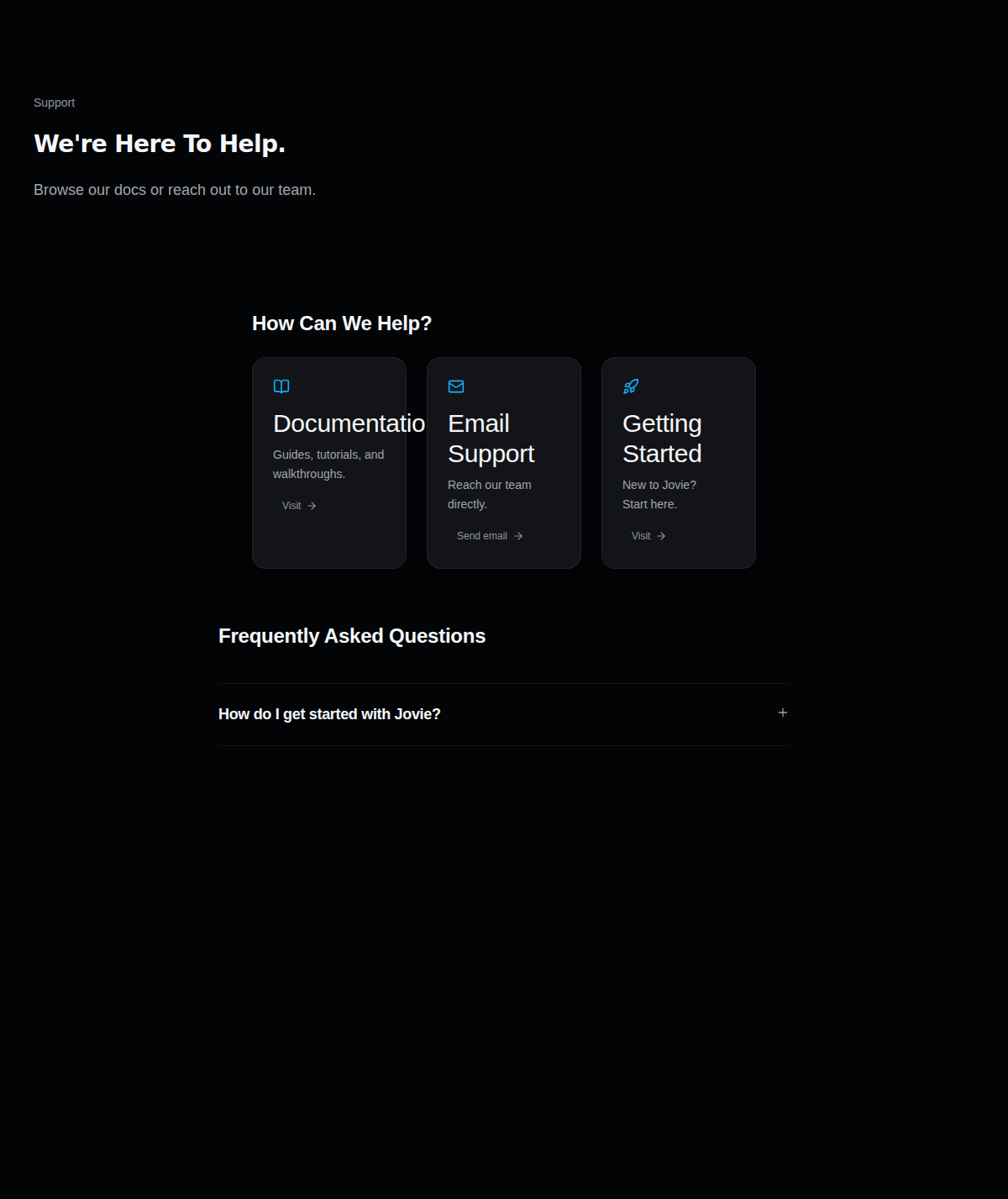
The public support page is the direct fallback. - State expected versus actual
Begin with one sentence for each: what you expected, what Jovie showed, and the last action you took. Include the affected public Jovie URL and the page or control where the problem appears.
- Add evidence for incorrect profile or catalog data
Include the correct provider artist URL, the affected release title, and a screenshot with the wrong field visible. Add a public UPC or ISRC only when it is already visible and relevant. For analytics, include the selected date range and labels—not a list of private visitors.
- Know what the handoff carries
The contextual URL can include a public article ID and source, or the exact Help Center search phrase. It does not automatically attach your dashboard, browser logs, screenshots, account export, payment details, or a copy of the article feedback reason. Put only the necessary evidence in your email.
- Remove sensitive material before sending
Do not send passwords, sign-in codes, API keys, access tokens, full card or bank numbers, account exports, or another user’s private data. Redact unrelated names, emails, phone numbers, and transaction details from screenshots.
What happens next
Support can use the public URLs, expected-versus-actual description, and redacted visual evidence to reproduce or route the issue. Submission does not guarantee a resolution time, a provider correction, or a specific outcome.
Troubleshooting
The contextual submission fails
Use the direct support page or email address above. Copy the Help Center article URL or your search phrase into the message so the lost context is restored.
The report is too large or contains private data
Send the smallest screenshot that shows the issue. Replace private values with redaction and describe the omitted material; do not send a full account export as evidence.
The provider and Jovie disagree
Link both public pages, name the exact field, and say which provider page you believe is authoritative. Do not claim ownership of a different artist or send that artist’s private information.
Still need help?
Tell us what you were trying to do.