Create an account or log in
Create or return to the correct Jovie account with Apple, Google, or a one-time email code.
- Choose the correct account page
Open Continue to Jovie for a new account. Returning users should open Log in to Jovie , or choose Sign in from the sign-up page.
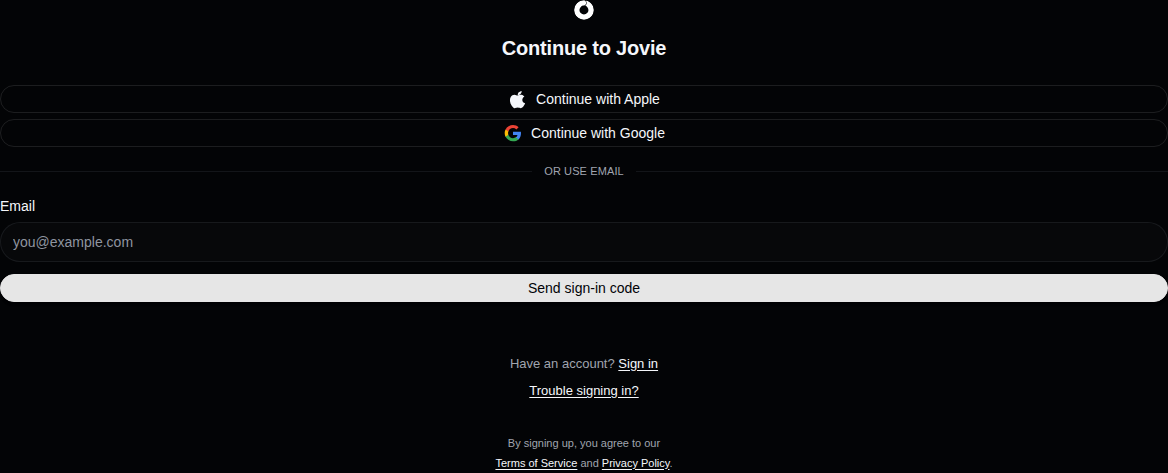
The current account creation choices. - Choose a supported method
Select Continue with Apple, Continue with Google, or enter your address below or use email to receive a one-time code. Password and retired social-provider sign-ins are not supported.
- Use the same identity as before
Returning users should choose the same provider and provider account, or the same email address, used for the original Jovie account.
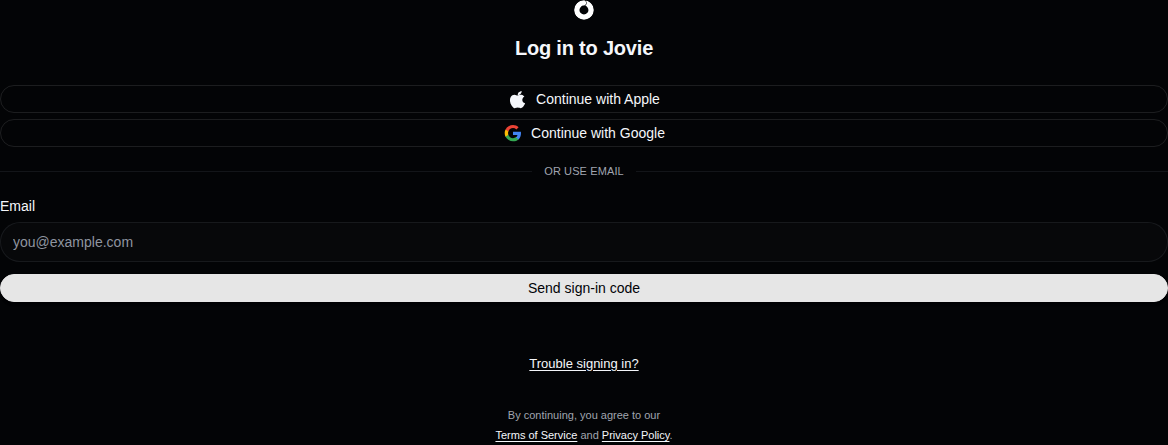
Use the identity connected to the existing account. - Return to the requested task
After authentication, Jovie returns you to the safe callback, such as Start or a profile claim. Check the profile shown before continuing.
What happens next
You enter the Jovie workspace or resume the profile claim that sent you to authentication.
Troubleshooting
Jovie opens the wrong account
Sign out, return to Log in to Jovie, and use the original Apple, Google, or email identity. Choosing another provider account can create or open a different Jovie account.
Sign-in is cancelled or the callback fails
Return to /signin and retry. For a state-mismatch message, restart from the sign-in page instead of reusing the old callback URL.
The email code does not work
Request a new code with the same address and use only the newest message. If the address already has an account, use Sign in rather than creating another one.